


Frequently Asked Questions - See Here
Author:
Release time: 2025-11-28 11:50:47
View number: 1502
Over 17 years of industrial inkjet expertise, with full in-house capabilities in hardware design, embedded Linux OS development, ink formulation, and printhead cartridge manufacturing.
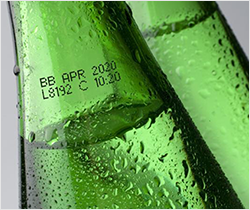
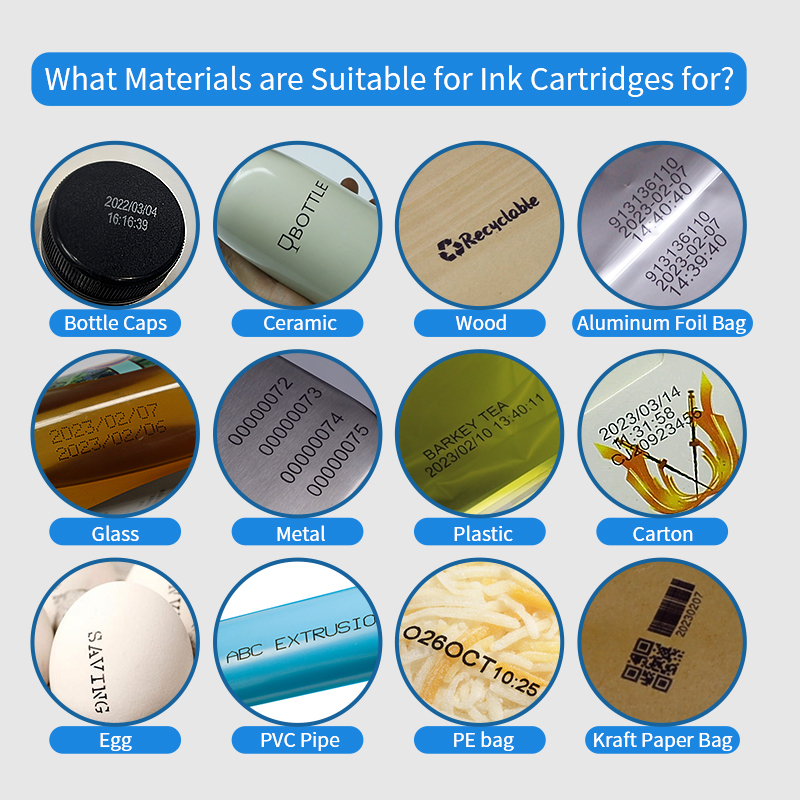
● Food and Beverage Industry: Easily prints production dates, expiration dates, and batch numbers on various packaging materials to meet regulatory standards.
● Cable and Wire Industry: Marks specifications, lengths, and ID codes directly on cables and optical fibers with durable, smudge-resistant output—even during high-speed production.
● Warehousing Operations: Facilitates on-site labeling of shelves, cartons, and pallets for faster stock identification, inventory rotation, and space management.
● Logistics and Transportation: Prints shipping labels, sorting codes, and delivery information on-site, improving operational speed and accuracy.
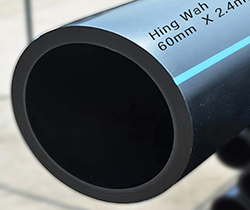
● Construction Industry: Marks dimensions, safety warnings, or identifiers on building materials like wood, pipes, and concrete surfaces on-the-go to ensure clarity and site safety.
● Retail and Pop-Up Stores: Ideal for mobile price labeling, promotional tags, or inventory codes, enabling real-time updates and efficient sales support.
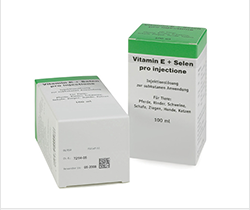
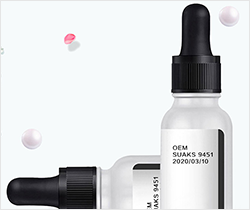
● Healthcare: Prints patient labels, medication instructions, or lab sample IDs on various surfaces, ensuring accuracy and traceability in dynamic medical environments.
3. How to use WILLITA product when first receive it?
● Install the Ink Cartridge: Following the directions in the user manual and Insert the ink cartridge securely. Ensure that it clicks into place to avoid verification failed.
● Adjust Print Settings: After the test print is successful, you can adjust the print settings based on the result to better align with your specific needs. This includes modifying the direction, speed、delay、grey level, and print mode among other settings.
● Prepare the Object to be Printed: Ensure the object you want to print on is clean, dry, and positioned correctly. Depending on the object's shape and size, you may need to adjust its placement for optimal printing.
● Edit Content to be Printed: You can edit the content directly on the printer’s touch screen or create your content on a computer and save it to a USB drive. If using a USB drive, ensure the content file is in a supported format (PNG, BMP), doesn’t have any blank space in file name and adheres to the printer's size limitations.
● Start Printing: Depending on the nature of the object, choose to use the assisting tools provided. Positioning Plate: Assists in getting better results on narrow and curved surfaces.
● Solvent-based (quick-dry) ink: ≥ 9 months from the filling date
These estimates assume the cartridges are stored under proper conditions. Good storage (cool, dry, and sealed) can help extend shelf life beyond the standard period.
Usage Life (After Printing):
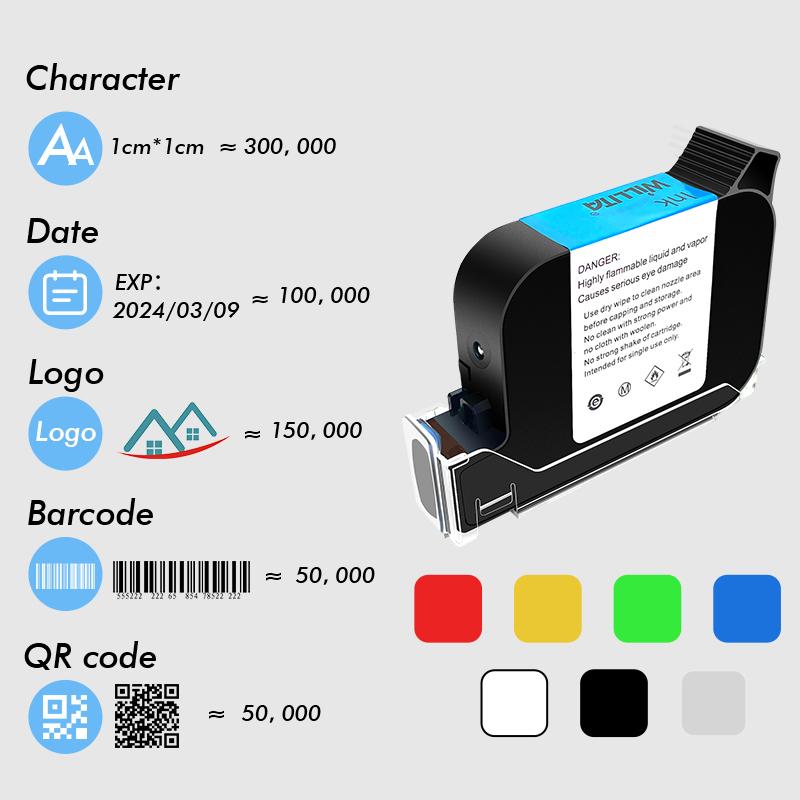
The actual usage duration of an ink cartridge depends on several factors:
● Grayscale settings: Higher grayscale settings consume more ink per print.
● Complexity of printed content: images, logos, and large text blocks use more ink than simple characters.
● Surface material: Ink consumption may vary depending on the absorbency and texture of the printing surface—even with identical content.
● Test data: 800,000 characters (12.7mm ink cartridge prints at 3mm height); 1.3 million characters (25.4mm ink cartridge prints at 3mm height)
5. How to purchase products on WILLITA?
● Step 1: Choose the Product you like
● Step 2: Add your selected products to the cart.
● Step 3: Click "Checkout." Enter your delivery address, select a payment and shipping method, and complete the payment.
● Step 4: You'll receive a confirmation email. Note: Orders are generally shipped within 2-5 business days. For any questions, feel free to contact us during this period.